 ReviewRoll
The screening journal
Give your review its own poster.
Rate a film or TV show, write your take, and turn it into a card you can send to friends or share in your stories.
Free for iPhone, iPad and Android phones See the app in action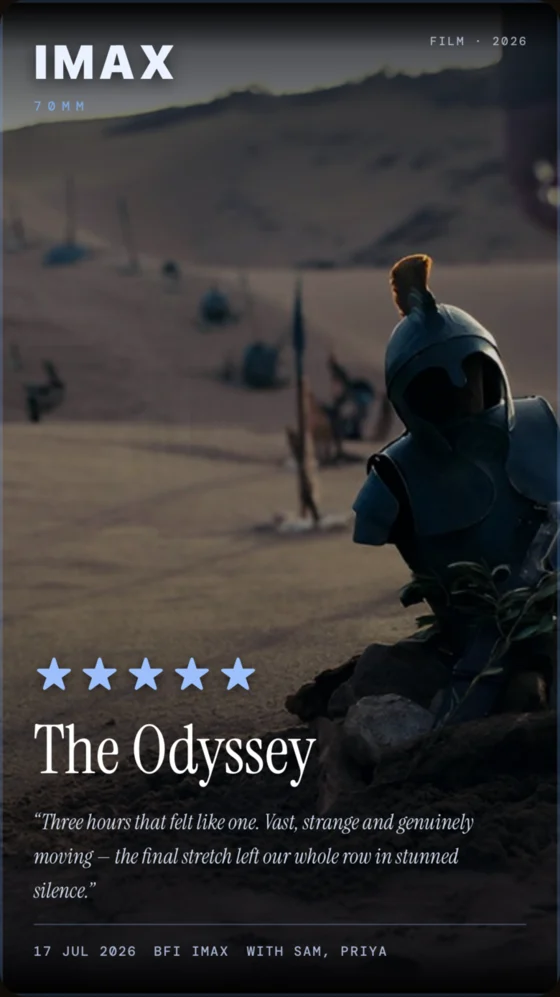
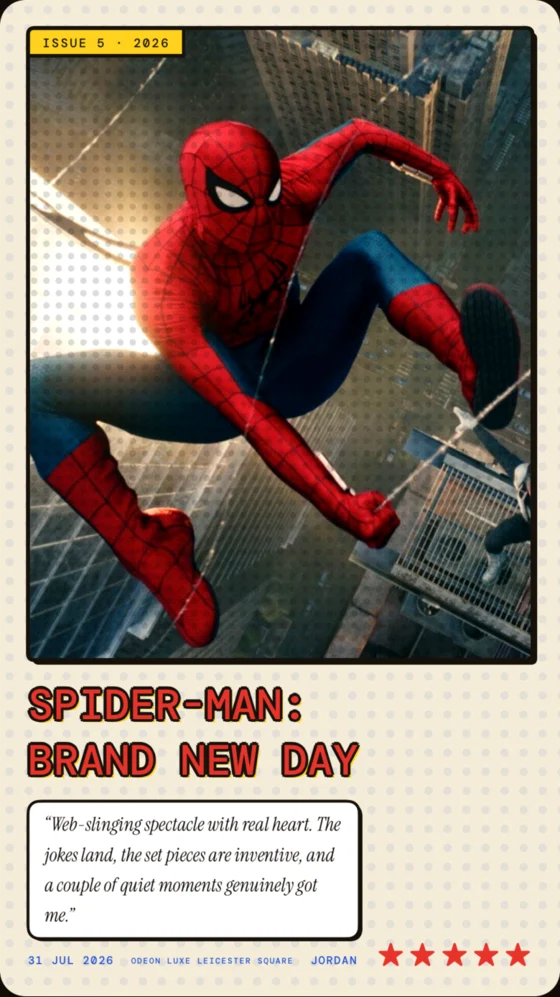

Sample cards made in ReviewRoll with film artwork from TMDB.
From screen to share
See how a review becomes a card.
Follow The Odyssey from review to finished card in the redesigned iPhone app and the Android redesign preview. Select a screenshot to take a closer look.
iPhone
Android
A night in three steps
From the credits to your group chat
Find what you watched
Search for a film or series, rate it in half stars, and write a few words about it.
Pick a look
Try a ticket stub, a comic panel or a big-screen poster. Choose a story, square or landscape format.
Share or keep it
Send the card, post it or save it to your device. Add when, where and who you watched with if you want to remember the night.
The journal
Remember the film. Keep the night.
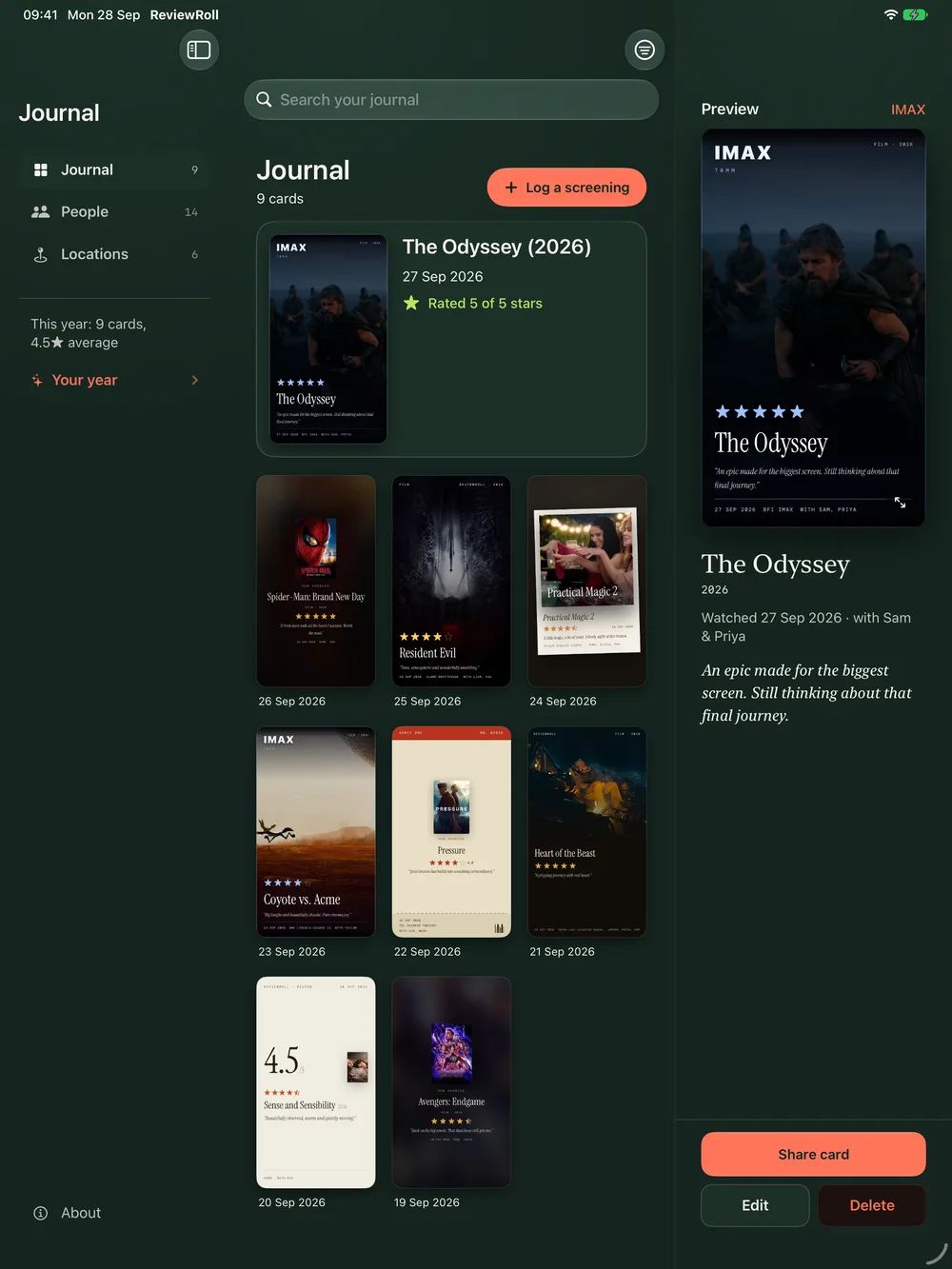
Record where you watched, who came along, and the line that stayed with you. Find an old favourite by rating, cinema, or company, then gather your watches into a shareable recap.
More room to browse. On wider iOS layouts, the journal and card preview can sit together. The iPhone release was built with the iOS 27.1 SDK for iPhone Duo compatibility.
Frequently asked questions
What devices does ReviewRoll work on?
ReviewRoll is available for iPhone and iPad running iOS 18 or later, and for Android phones running Android 10 or later.
Is ReviewRoll free?
Yes. ReviewRoll is free to download from the App Store and Google Play.
Where is my library stored?
On iPhone and iPad, your library syncs through your private iCloud account. On Android, your library is stored on your phone.
Can I review TV shows?
Yes. Search for a film or TV series, then rate it, write a short review and share your card.
Where can I share my cards?
Cards are standard images. Share them to your stories, feed or group chat, or save them to your device.
Your next screening
Make a card for your next watch.
Take a film from the big screen to your journal, your stories, or the group chat.